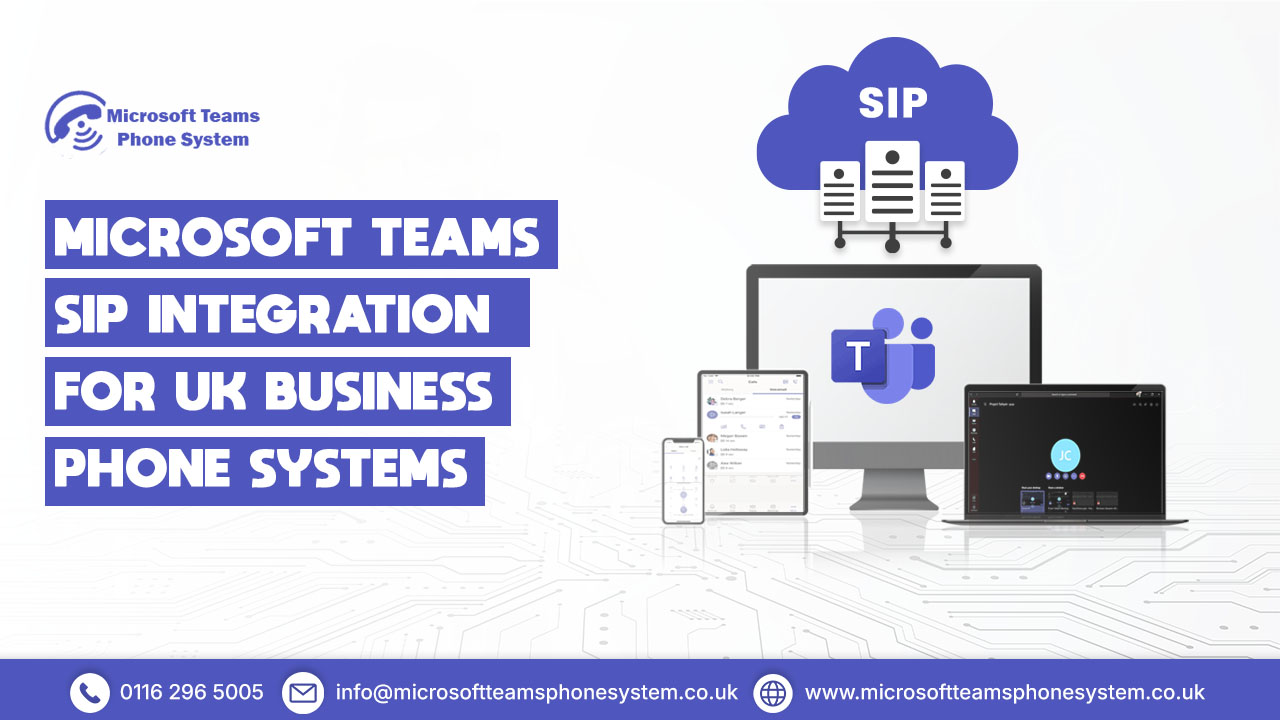
The UK businesses commonly turn to Microsoft Teams for meetings, messaging, and collaboration. The challenge comes with managing client and supplier calls professionally on the same platform. Microsoft Teams SIP Integration connects your existing telecom provider directly to Teams. This creates a full business phone system no need to change carriers or migrate numbers.
Teams then handles both internal teamwork and external calls from one interface. Staff make and receive calls using the app they already know. Your SIP provider manages numbers, routing, and public network access. Enjoy modern cloud calling while keeping control, flexibility, and cost efficiency.
What Is Microsoft Teams SIP Integration
Microsoft Teams SIP Integration links Teams directly to a third-party SIP provider, letting users handle genuine external phone calls. Businesses skip Microsoft Calling Plans and stick with their trusted telecom carrier, connected seamlessly to Teams.
Teams takes the lead as your call control centre. Staff dial out, pick up, transfer, or manage calls right within Teams on desktops, mobiles, or compatible desk phones. Meanwhile, the SIP trunk works quietly behind the scenes, sorting call paths, phone numbers, and links to UK or global networks.
This option suits firms with solid call tariffs, local numbers, or complex routing needs. They keep full grip on telephony rather than handing it over to Microsoft entirely.
How Microsoft Teams SIP Integration Works
Day to day, SIP enabled Teams calling runs smoothly, much like any modern cloud phone setup.
Outbound calls
Staff enter an external number in Teams. The system sends it securely via the gateway to your SIP provider, which links it to the public phone network.
Inbound calls
A customer rings your UK business number. Your SIP provider routes it straight into Teams, where it alerts the right person, team, or queue.
Teams as the PBX
Teams takes care of queues, voicemail, transfers, presence status, and user settings. Your SIP provider manages numbers, routing, and compliance quietly in the background.
Microsoft Teams SIP Integration Architecture
Teams serves as a cloud-based platform for collaboration, not a conventional phone system. By itself, it lacks direct access to public telephone networks. SIP integration fills this void effectively.
Central to the solution lies Microsoft Direct Routing, establishing a secure pathway from Microsoft’s cloud to external SIP networks. Your chosen SIP provider links up via this layer, unlocking seamless inbound and outbound calls.
How Direct Routing Enables Microsoft Teams SIP Integration
Direct Routing stands as Microsoft’s endorsed approach for third-party carrier connections. It forges an encrypted pathway between Teams and your provider using a certified gateway.
Incoming calls hit your business number at the SIP provider first, then flow through Direct Routing into Teams. Employees spot these just like internal calls and handle them answering or transferring with ease. Outbound calls trace the reverse path.
This structure lets Teams function as a robust PBX, while your telecom partner oversees the core phone infrastructure.
The Role of the Session Border Controller
Every Teams SIP setup requires a Session Border Controller (SBC). This device positions itself between Microsoft Teams and your SIP provider, guaranteeing secure, reliable, and compatible calls.
A Microsoft-approved SBC handles encryption for call traffic, blocks fraud and DDoS threats, adapts UK number formats, and preserves clear audio quality. Only SBCs from trusted names like AudioCodes or Ribbon gain Microsoft’s certification. Without one, Teams simply cannot link to your SIP trunk.
Why UK Businesses Choose SIP Integration with Teams
Voice calls matter a great deal to UK firms. Sales staff rely on outbound calls to connect with leads. Support teams manage inbound queues efficiently. Multi-site operations need consistent numbers and trustworthy emergency access.
SIP integration keeps your existing phone numbers and carrier contracts intact. This avoids the higher per-minute rates of Microsoft Calling Plans. It also enables advanced options such as hunt groups, IVR menus, call recording, and contact centre features.
From an operations standpoint, IT teams control users and permissions in Microsoft 365. Telecom experts handle call routing and network reliability. This clear split lowers risks and supports smooth scaling.
Explore Teams calling options
What You Need for Teams SIP Integration
To set up SIP integration properly, businesses require these key components:
- A Microsoft Teams Phone licence for every user handling external calls
- A SIP trunk from a UK carrier that supplies phone numbers and PSTN connectivity
- A Microsoft-certified Session Border Controller
- Proper Microsoft 365 voice setup, covering dial plans, routing policies, and emergency locations
When everything aligns correctly, this combination replaces legacy PBX hardware and supports flexible hybrid work patterns seamlessly.
SIP Integration and Microsoft Calling Plan Compared
Microsoft Calling Plans make Microsoft your phone carrier. SIP integration allows you to keep your own carrier.
Feature | Direct Routing (SIP Integration) | Microsoft Calling Plans |
Call costs | Lower for high-volume and international calls | Higher per-minute and per-user pricing |
Phone number control | You keep and manage your own numbers | Numbers are owned and managed by Microsoft |
Flexibility | You can choose or change your SIP provider | Locked into Microsoft as the carrier |
Advanced call handling | Supports IVR, call queues, and contact centres | Limited call routing features |
Best suited for | Growing, multi-site, call-heavy businesses | Small teams with basic calling needs |
For many UK organisations, SIP integration offers better long-term value and control.
SIP Integration vs Operator Connect
Operator Connect is another Microsoft-approved way to add external calling to Teams. The difference lies in control and architecture.
Feature | SIP Integration | Operator Connect |
SBC required | Yes (Microsoft-certified SBC such as AudioCodes or Ribbon) | No |
Setup time | 1–2 weeks (design, configuration, testing) | 1–2 days (carrier-managed setup) |
Operator Connect is faster to deploy, but SIP integration provides greater flexibility and carrier independence.
Call Quality, Security, and UK 999 Compliance
Properly set up Teams SIP calling matches enterprise standards for crystal-clear audio. Every call stays encrypted end-to-end, blocks unauthorised access, and performs best over reliable broadband links.
UK SIP providers handle emergency calls through location-smart routing. This guarantees 999 calls connect to the right services vital for office staff, home workers, or spread-out teams. Full regulatory compliance comes built-in.
Common Setup Mistakes to Avoid
Most Teams SIP problems stem from configuration errors, not the technology. Sticking with non-certified SBCs, flawed dial plans, or skipped emergency locations often leads to failed calls or compliance gaps.
Partner with engineers skilled in both Microsoft Teams and UK telecom setups. Always test emergency calling thoroughly before going live.
Avoid call issues
When SIP Integration Is the Right Choice
SIP integration is ideal for businesses that rely heavily on voice communication and want to modernise without losing telecom control. It suits multi-site organisations, sales teams, customer service operations, and companies requiring international numbers or advanced routing.
Teams provides the user experience. The SIP provider delivers robust, enterprise-grade telephony behind the scenes.
FAQ's
What is SIP trunking in Microsoft Teams?
SIP trunking connects Teams directly to your telecom provider for real phone calls. Staff make and receive calls through the Teams app they already use daily. Your carrier provides the numbers and network access no Microsoft Calling Plans needed. Teams becomes the interface while your provider handles connectivity.
Does Teams support SIP directly?
Teams cannot connect to SIP networks without extra setup. Direct Routing plus a certified Session Border Controller creates the secure link. This gateway handles encryption and call formatting properly. Without it, external calling simply doesn’t work.
Can I keep my phone numbers?
Yes, SIP integration keeps all existing business numbers with your provider. Teams uses these numbers for inbound and outbound calls seamlessly. Customers dial exactly the same lines no changes needed. Number porting becomes unnecessary.
Is SIP cheaper than Microsoft Calling Plans?
SIP trunking usually costs less, especially for international or high-volume calling. You keep your negotiated carrier rates instead of Microsoft’s fixed bundles. Savings grow significantly over time. Local UK rates stay competitive too.
Is emergency calling supported?
999 emergency calls work through your SIP provider with location routing. Calls reach the nearest services automatically based on configured locations. Meets all UK regulatory requirements fully. Essential for multi-site and remote teams.
Final thoughts
Microsoft Teams SIP Integration enables organisations to use Teams as a full business phone system while retaining control over carriers, numbers, and call costs. By combining Direct Routing, a certified SBC, and a UK SIP trunk, businesses gain secure, flexible, and compliant calling without the limitations of Microsoft Calling Plans
Ready to move to Teams calling?