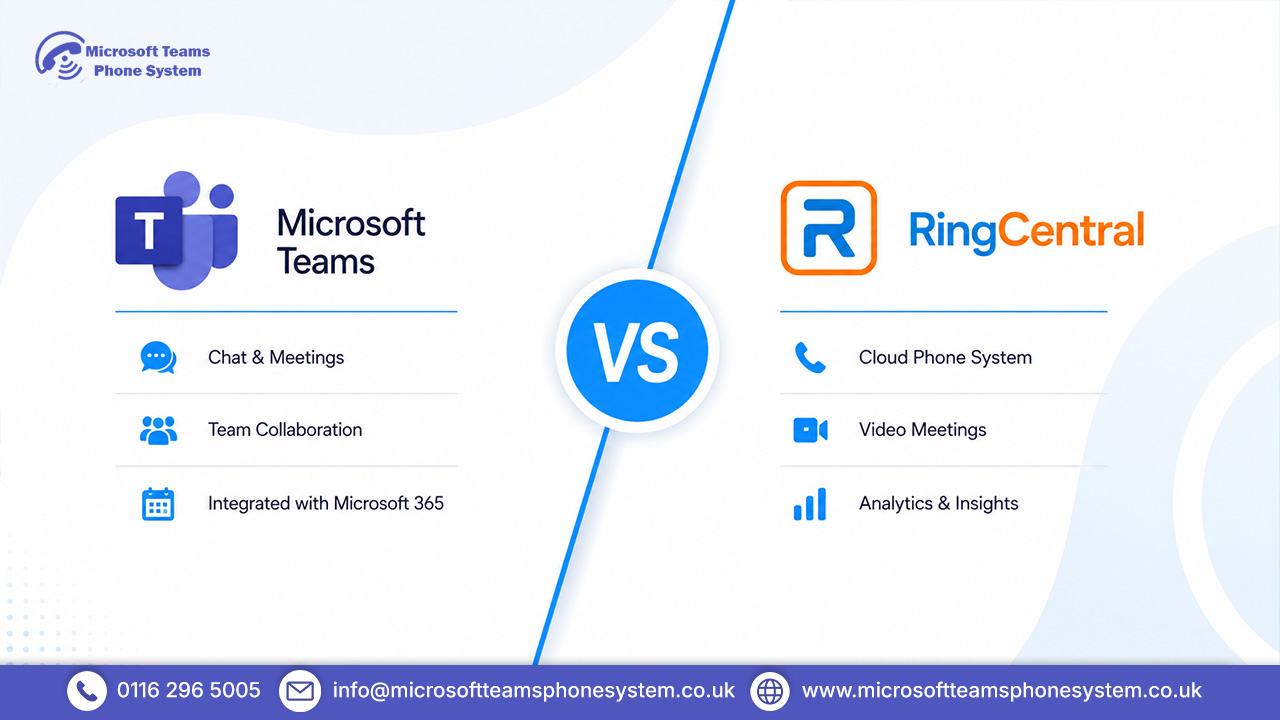
Choosing between Microsoft Teams Phone and RingCentral are both well-established business communication platforms, but they are built with different priorities in mind. Teams Phone is closely tied to the Microsoft 365 ecosystem and often appeals to businesses already using Teams for collaboration, while RingCentral focuses more heavily on standalone cloud telephony, call management, and third-party integrations.
This comparison looks at pricing, calling features, setup complexity, integrations, support, and day-to-day usability to help businesses decide which platform is the better fit for their operational needs, IT resources, and existing software environment.
Key Takeaways
- Compare pricing, features, and integrations side by side.
- Explore collaboration, calling, and messaging capabilities.
- Understand setup complexity and admin requirements.
- See which platform fits different business needs.
- Review pros, cons, support, and final recommendations.
Microsoft Teams vs RingCentral at a Glance
| Feature | Microsoft Teams Phone | RingCentral |
|---|---|---|
| Best For | Microsoft 365 businesses | Standalone UCaaS needs |
| Starting Price | ~£4/user/month (add-on) | ~£14.99/user/month |
| Video Meetings | Class-leading (built-in) | Included |
| SMS & Messaging | Teams chat + limited SMS | Full SMS + MMS |
| CRM Integrations | Strong within M365 | 300+ third-party |
| Setup Complexity | Moderate to high | Simpler out-of-box |
| Uptime SLA | 99.99% | 99.999% |
| 24/7 Live Support | Partner-dependent | All plans |
Compare Leading Business Phone Platforms
What Is Microsoft Teams Phone?
Microsoft Teams Phone offers a cloud-based phone service fully integrated into the Teams app. It turns Teams already a go-to for chat and video calls in most firms into a complete business telephony setup. With a Calling Plan or Direct Routing licence, staff can handle incoming and outgoing PSTN calls right from Teams, all without needing extra apps.
For companies deep in the Microsoft 365 world, this setup feels effortless. Everything from contacts and calendars to SharePoint documents and phone calls sits in one place no app-switching or re-entering details.
What Is RingCentral?
RingCentral MVP (Message, Video, Phone) is a standalone UCaaS platform designed from scratch as an all-in-one communications tool. Unlike Teams Phone, it stands apart from any specific productivity suite, giving real flexibility for businesses using Google Workspace, Salesforce, or a blend of systems. It stands out for strong call-handling features and a wide range of integrations with other tools.
Microsoft Teams vs RingCentral: Feature Comparison
Calling Features
Both systems handle the basics well, such as voicemail, call forwarding, hold, and transfers.
Teams Phone offers these too, though some need premium licences or extra setup via Direct Routing partners.
RingCentral pulls ahead with deeper telephony options like call whisper, barge, live monitoring, and multi-level IVR, all ready to use on most plans.
Video Meetings and Collaboration
Microsoft Teams takes a clear lead here. It supports video calls with up to 1,000 people, live editing of Office files, a built-in Whiteboard tool, and features like Together Mode for engaging longer meetings.
RingCentral Video works reliably but lacks the full collaborative depth that Teams provides for team workspaces.
Messaging and Team Chat
Teams Chat ties smoothly into Microsoft 365, with options for rich formatting, threaded replies, and channels that fit how teams communicate today.
RingCentral’s messaging works cleanly but plays second fiddle to its phone strengths. For groups relying on chat daily, Teams stands out as the better choice.
Call Routing and Auto Attendants
Teams Phone handles complex routing via the Admin Centre, but it demands more know-how and advanced options often mean using PowerShell, which can challenge smaller IT teams.
RingCentral makes call routing simpler and more user-friendly, especially for non-tech admins. Its drag-and-drop auto attendant tool lets you tweak setups quickly without deep expertise.
Mobile and Desktop Apps
Both deliver solid apps for iOS, Android, desktop, and web.
Teams shines for collaboration on mobile but can feel bulky if you just want phone functions.
RingCentral’s apps run lighter for call-focused work, grouping SMS, fax, and voicemail neatly a layout that suits staff out in the field.
CRM and Third-Party Integrations
Teams Phone connects seamlessly within Microsoft apps such as Dynamics 365 and Power Automate but offers less for firms using non-Microsoft CRM or support systems.
RingCentral leads with over 300 ready integrations, covering tools like Salesforce, HubSpot, Zendesk, and ServiceNow.
Analytics and Reporting
Teams Phone includes helpful call quality dashboards in the Admin Centre, ideal for IT checks and fixes.
RingCentral goes further on higher plans with detailed call centre stats, live queue monitors, and custom reports that give operations and service managers practical insights.
Security and Compliance
Both meet high enterprise standards.
Teams Phone draws on Microsoft’s strong certifications like ISO 27001, SOC 2, and GDPR, plus Purview for data controls.
RingCentral matches this with its own certifications and HIPAA options for healthcare. Choose based on your current setup and neither has real gaps.
Compare Features Across Both Platforms
Microsoft Teams vs RingCentral Pricing
Microsoft Teams Phone Pricing
Teams Phone works as an add-on for firms already on Microsoft 365 Business or Enterprise plans, keeping costs low for those subscribers.
- Teams Phone add-on: around £4 per user per month (needs an existing M365 licence).
- UK Domestic Calling Plan: around £8 per user per month (covers external calls).
- Teams plus Phone bundle: £10–£20 per user per month, based on your M365 level.
RingCentral Pricing
- Core Plan: around £14.99 per user per month includes unlimited UK calls, auto attendant, and basic reports.
- Advanced Plan: around £19.99 per user per month adds advanced call tools, CRM links, and multi-site options.
- Ultra Plan: around £24.99 per user per month brings full analytics, device controls, and unlimited storage.
Hidden Costs and Add-Ons
Teams Phone looks budget-friendly upfront, but extras like separate Calling Plans for domestic or international use, plus licences for queues and resource accounts, soon add up based on your M365 setup. RingCentral bundles more into each tier, though jumping to Advanced for CRM features means a clear price rise. Work out your true per-user total before deciding on either.
Compare Monthly Business Phone Costs
Ease of Setup and Administration
RingCentral rolls out quicker for new setups, thanks to its step-by-step guides, simple online setup, and easy drag-and-drop call flows ideal for admins without telephony know-how.
Teams Phone needs a solid Microsoft 365 setup, proper licence allocation, and session border controllers for Direct Routing. Bigger IT groups manage this well, but smaller firms might call in a Microsoft partner. After setup, the Teams Admin Centre feels powerful if you know M365.
Call Quality and Reliability
Both guarantee 99.99% uptime or better. Over good broadband, calls stay clear and steady on either. Teams Phone taps Microsoft’s Azure network, strong in UK and Europe data centres. RingCentral runs its own global setup with built-in backups. UK businesses rarely face issues with reliability from these two.
Microsoft Teams Ecosystem Advantage
If your firm uses Microsoft 365, Teams Phone delivers true built-in links across tools that standalone systems can’t match. Calls appear in Outlook, files open from SharePoint mid-chat, and Teams Rooms brings it to meeting rooms. This cuts app-jumping, simplifies licences, and eases user help.
Microsoft Teams Pros and Cons
Pros
- Seamless integration across the full Microsoft 365 productivity stack
- Class-leading video conferencing and real-time document collaboration
- Highly cost-effective when M365 licences are already in place
- Enterprise-grade security and data governance through Microsoft Purview
- Unified workspace — calls, chat, and files in a single interface
Cons
- Complex initial setup without dedicated IT resource or a Microsoft partner
- Calling Plans are a separate cost on top of the Phone add-on
- Limited CRM integration for non-Microsoft tooling
- Application can feel overly heavy for users who only need telephony
RingCentral Pros and Cons
Pros
- 300+ third-party integrations including Salesforce, HubSpot, and Zendesk
- Intuitive drag-and-drop admin tools and call flow configuration
- 24/7 live support guaranteed across all business plans
- Strong mobile experience tailored for phone-first and field-based teams
- Platform-agnostic — works equally well alongside any productivity suite
Cons
- Higher base cost, particularly challenging for small businesses
- Video collaboration experience lags considerably behind Microsoft Teams
- Represents a redundant investment if Microsoft 365 is already fully licenced
- The most valuable features are locked behind Advanced or Ultra plans
Find Out If Teams Fits
Who Should Choose RingCentral?
RingCentral makes sense if you’re using Google Workspace or other non-Microsoft tools. It shines with ready-to-go CRM connections to the likes of Salesforce or HubSpot. Pick it for quick phone system setup without big IT effort, customer-facing teams needing advanced call features, or round-the-clock live support without needing a Microsoft partner.
Who Should Choose Microsoft Teams?
Go for Teams Phone if your firm’s already on Microsoft 365 Business or Enterprise plans. It’s perfect for teams wanting one app to handle calls, chat, and files together. Your IT folks need to be comfortable with Microsoft’s admin side, or you rely on solid compliance through Microsoft Purview.
Microsoft Teams vs RingCentral: Final Verdict
Microsoft 365 shops should stick with Teams Phone. It ties everything into one place, saves money, and cuts out the headache of a separate phone system. Need a phone-first setup, heavy CRM work, or you’re outside Microsoft’s world? RingCentral brings better flexibility, support, and connections. Both do the job well — it all comes down to your current tools and daily priorities.
Choose The Right Phone Platform
FAQ's
1. Is Microsoft Teams cheaper than RingCentral?
If your company already pays for Microsoft 365 licences, Teams Phone costs a lot less than a standalone RingCentral plan. Starting from scratch, though? The full Microsoft 365 package with Calling Plan and Phone add-on can match or beat RingCentral’s Core plan price.
2. Can RingCentral integrate with Microsoft Teams?
Yes, RingCentral has a fully approved integration for Teams. Your team can make calls and send SMS messages straight from the Teams app. Running both together adds costs and hassle, so most businesses wisely avoid it.
3. Which platform suits remote teams best?
Microsoft Teams fits remote teams who lean on video calls, file sharing, and flexible chat. RingCentral works better for groups focused on phone calls and customer service, especially when staff use different devices and systems.
4. Does Microsoft Teams Phone replace a PBX?
Teams Phone takes over completely from old on-site PBX setups. Pair it with Direct Routing or Microsoft Calling Plans, and it handles all external calls through the cloud. Many UK businesses switched after the ISDN cut-off.
5. Which system offers simpler management?
RingCentral feels easier for smaller businesses or admins not familiar with Microsoft tools. Teams Phone excels in bigger setups but needs solid Microsoft 365 admin centre knowledge and some PowerShell for complex call routing.