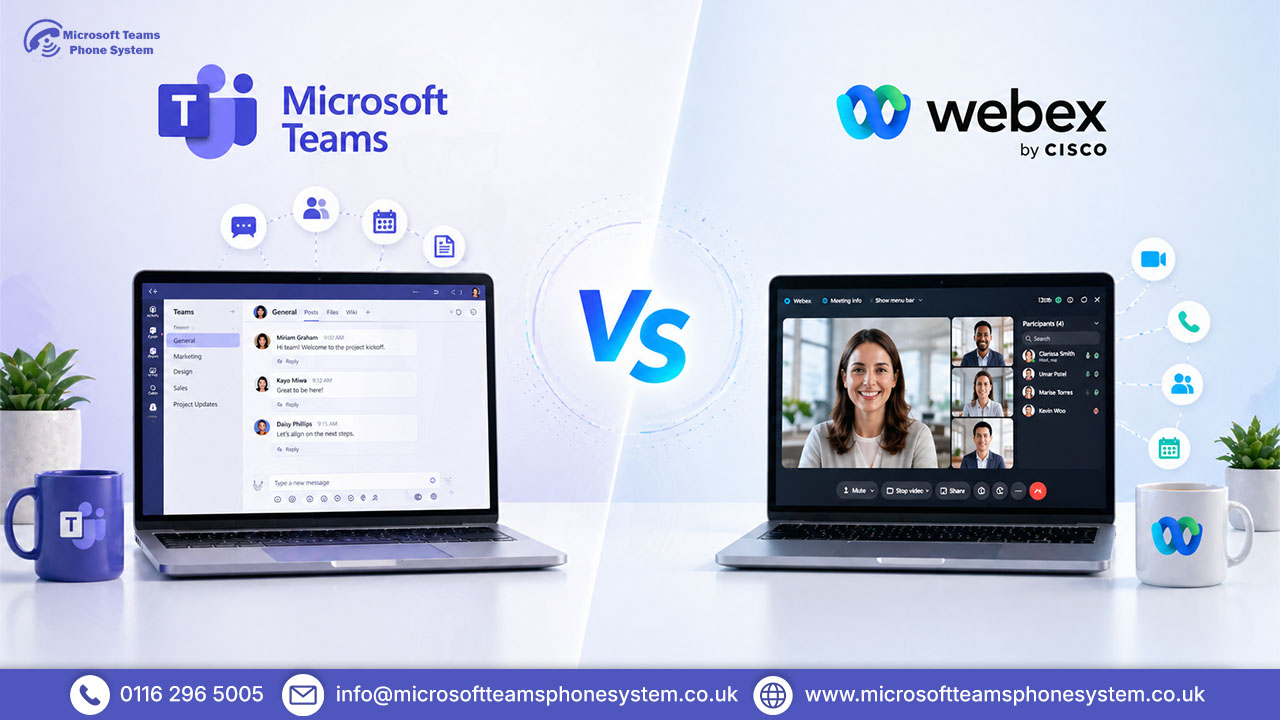
Choosing between Webex and Microsoft Teams isn’t just about features anymore it directly impacts your costs, internal workflows, and how efficiently your team communicates. With many UK businesses moving away from traditional PBX systems and consolidating tools, picking the wrong platform can lead to unnecessary software spend, poor adoption, or fragmented communication.
This comparison breaks down where Webex and Microsoft Teams actually differ in real business use including calling, integrations, pricing, and long-term scalability so you can choose a platform that fits your setup, not just the feature list.
Key Takeaways
- Quick comparison shows Microsoft Teams vs Cisco Webex differences at a glance.
- Explains both platforms to clarify how each fits real business use.
- Compares core features like meetings, calling, and collaboration.
- Highlights cost differences and long-term value based on setup.
- Concludes with clear scenarios to choose the right platform.
Webex vs Microsoft Teams — Quick Comparison
| Feature | Microsoft Teams | Cisco Webex |
|---|---|---|
| Video Meetings | Up to 1,000 participants (Teams Premium) | Up to 1,000 participants (Webex Suite) |
| Calling / Telephony | Teams Phone; Operator Connect & Calling Plans | Built-in cloud calling; Cisco hardware native |
| Messaging | Channels, threads, chats — fully integrated | Spaces & threads; functional but less adopted |
| Microsoft 365 Integration | Native and seamless — no extra setup | Supported but requires configuration |
| AI Features | Copilot + AI Workflows app (M365 Copilot licence) | AI Assistant + Translator Agent (included in paid plans) |
| Security | Secure by Default since Jan 2026; UK Data Residency | End-to-end encryption; ISO 27001; GDPR compliance |
| UK Pricing (approx.) | From £3.80/user/month (Essentials) | From £14/user/month (Meet plan) |
| Active Users | 26M+ Teams Phone users globally | 18M+ Webex Calling users globally |
| Best Suited For | Microsoft 365 orgs, UK SMBs, hybrid teams | Cisco-first enterprises, contact centres |
Compare pricing and features instantly
What Is Cisco Webex?
Cisco Webex is a cloud-based communication platform for meetings and enterprise telephony. It takes the place of old PBX systems so companies can run calls, video chats, and meeting setups from a centralized Cisco-managed environment.
In everyday use, Webex is typically used by organisations with existing Cisco hardware like desk phones or meeting room systems. It connects devices, calls, and meetings with high reliability and stability.
Key strengths:
High-quality video meetings with advanced controls
Webex Calling (full PBX replacement)
Strong security and reliable performance
Best suited for:
Organisations that prioritise call reliability, hardware integration, and large-scale meetings
What Is Microsoft Teams?
Microsoft Teams is a cloud-based communication and collaboration platform that acts as a central workspace for business communication and collaboration. It combines chat, meetings, calling, file sharing, and task management into a single interface, tightly integrated with Microsoft 365.
In real work, Teams replaces multiple tools like email, chat, file storage, and meeting apps. Teams Phone enables calling without PBX hardware.
Key strengths:
Unified communication across chat, meetings, calls, and files
Integrates with Outlook, SharePoint, and OneDrive
Teams Phone for growing calls
Supports workflow automation and third-party integrations
Best suited for:
Businesses that want a single platform for communication and collaboration
Check Teams setup and pricing
Key Differences Between Webex and Microsoft Teams
Meetings and Video Conferencing
Best for video reliability and events → Webex
Best for integrated meeting workflows → Teams
Microsoft Teams supports up to 1,000 participants and includes built-in webinar and town hall features. Meeting recordings are automatically saved to SharePoint or OneDrive, keeping everything inside Microsoft 365. Recent updates also added AI-generated meeting recaps with custom templates, improving post-meeting productivity.
Cisco Webex also supports up to 1,000 participants and is known for more consistent video quality and stability, especially in large sessions. Its free plan is more generous for small meetings, and Webinars provides strong support for large-scale events.
Calling and Telephony
Best for simpler setup, new deployments → Teams
Best for Cisco-based environments → Webex
Microsoft Teams Phone allows businesses to handle calls directly within the platform using Calling Plans or Operator Connect. It works globally and does not require on-site PBX hardware, making it easier to deploy.
Webex Calling is also a full cloud telephony system but is better suited for businesses already using Cisco hardware like desk phones or meeting room devices.
Messaging and Team Collaboration
Best for day-to-day team collaboration → Teams
Teams are built around collaboration. It offers channels, threaded chats, file sharing, and deep integration with Microsoft 365. Everything messages, files, and tasks works in one place, reducing internal email dependency.
Webex provides messaging through Spaces, with chat and file sharing features. While functional, it lacks the depth and workflow integration that Teams offers.
Integrations and Ecosystem
Best for broader integrations, Microsoft-based businesses → Teams
Teams has one of the largest ecosystems in the market. It integrates directly with Microsoft tools like Word, Excel, PowerPoint, and Planner, plus thousands of third-party apps. New workflow automation features (via Copilot) also allow task creation and approvals directly within Teams.
Webex supports integrations, including Microsoft 365 and some third-party tools, but its ecosystem is smaller and often requires more setup.
Security and Compliance
Best for compliance tools → Teams
Best for call encryption → Webex
Teams include built-in protections like real-time link scanning, file blocking, and advanced compliance tools through Microsoft Purview. It also offers strong data governance and monitoring capabilities.
Webex focuses on end-to-end encryption, secure meetings, and compliance standards like ISO 27001. It also allows more control over call recording and alerts.
Improve team communication and workflows
Cost Comparison: Webex vs Microsoft Teams
Cost is a clear differentiator between the two. Teams is typically more cost-effective, especially if your business already pays for Microsoft 365.
Microsoft Teams:
Essentials: £3.80/user/month (unlimited group meetings, cloud storage, basic chat)
Microsoft 365 Business Basic: £5.10/user/month (bundles Teams + Exchange, SharePoint, OneDrive)
Teams Phone: £8–£12/user/month (calling plans; Operator Connect varies)
Microsoft 365 Copilot: Additional licence for AI Workflows
Typical real cost range per user: £12–£25/month including calling + add-ons.
Webex:
Webex Meet: £14/user/month (meetings only)
Webex Suite: £25/user/month (calling + AI Assistant)
UK businesses generally get better value from Teams, particularly when layered on existing Microsoft 365 plans. Webex’s higher pricing makes sense mainly for Cisco hardware/contact centre environments.
Webex vs Teams for Different Business Needs
Best for Small Businesses
For most UK small businesses, Teams is the more natural fit. Lower costs, existing Microsoft 365 leverage, minimal IT involvement. Teams Phone eliminates PBX hardware costs. January 2026’s Secure by Default brings enterprise security automatically.
Best for Enterprises
Teams excels for Microsoft 365 expansion + compliance focus. Webex wins with embedded Cisco telephony/hardware or contact centre needs. Many run both by department/region.
Best for Remote and Hybrid Teams
Teams unifies everything into one interface. March 2026 AI Workflows enable no-code automation. Global calling via Operator Connect suits distributed UK teams.
Cisco Webex — Strengths and Limitations
Strengths:
Consistent call quality suitable for large meetings and enterprise environments.
Complete phone solution replaces traditional PBX systems without complex setup.
Integrates seamlessly with Cisco hardware ideal if you have desk phones or meeting rooms already.
includes real-time translation and call handling without additional licensing
Limitations:
Costs increase with additional features and add-ons starts okay, but add-ons make it pricier.
Limited collaboration capabilities no easy file share, task lists or workflows.
Smaller third-party integration ecosystem not as many links to other tools.
Microsoft Teams — Strengths and Limitations
Strengths:
Unified platform for communication and collaboration chat, calls, meetings and files work together well.
Seamless integration with Microsoft 365 integrates with Outlook, SharePoint and OneDrive smoothly.
Extensive app ecosystem supports automation, integrations, and custom workflows.
Scales with business requirements Teams Phone gives cloud calls, no need for PBX boxes.
Limitations:
Pricing structure includes multiple licensing layers pay extra for top features or Copilot.
Best with Microsoft 365 works alone but better with the full set.
Requires proper configuration for optimal performance
Webex vs Microsoft Teams: Which Should You Choose for Your Business?
The right choice depends on how your business currently operates — especially your existing tools, calling needs, and how your team collaborates day to day.
Choose Microsoft Teams if:
Microsoft Teams is the better fit for most UK businesses that want to simplify communication and reduce software costs.
- You already use Microsoft 365 (Outlook, SharePoint, OneDrive)
- You want one platform for calls, meetings, chat, and files
- You’re moving away from traditional PBX systems
- You want a faster, easier deployment without hardware
Why this works:
Teams combines communication and collaboration into a single system. For most SMEs, this reduces tool switching, lowers total cost of ownership, and improves day-to-day productivity.
Choose Cisco Webex if:
Cisco Webex makes more sense for organisations where calling reliability and hardware integration are the top priorities.
- You already use Cisco desk phones or meeting room systems
- Your business depends heavily on voice calls or contact centre operations
- You require consistent performance in large-scale meetings
- You operate in industries where uptime is critical
Why this works:
Webex is built around telephony and enterprise reliability. It performs best in environments where stable calling, hardware integration, and high availability matter more than collaboration features.
Choose the right system for your business
FAQ's
1. Is Microsoft Teams better than Webex for small UK businesses?
Small UK businesses using Microsoft 365 often find Teams the more practical option due to seamless integration with Outlook, SharePoint, and OneDrive. It allows faster adoption across teams with minimal training required. Teams Phone also removes the need for traditional PBX systems, helping reduce setup costs.
2. Can Webex and Microsoft Teams be used together?
Yes, some larger organisations use both platforms, with Teams for collaboration and Webex for calling. Webex can integrate with Teams by sharing meeting insights and AI-generated notes. However, most mid-sized businesses prefer a single platform to avoid complexity and reduce costs.
3. Does Microsoft Teams have a phone system for UK businesses?
Yes, Teams Phone enables businesses to make and receive calls using Calling Plans or Operator Connect. It supports keeping existing numbers while moving to a cloud-based system. This allows companies to replace traditional PBX hardware with a more flexible setup.
4. Which is more secure in 2026 — Teams or Webex?
Both platforms offer enterprise-grade security, but they focus on different areas. Teams provides strong compliance, governance, and built-in protection through Microsoft’s security ecosystem. Webex focuses more on end-to-end encryption and secure communication standards like ISO 27001.
5.Teams vs Webex for hybrid work in 2026?
Teams is better suited for hybrid work as it combines meetings, chat, files, and tasks in one platform. This reduces app switching and improves overall team productivity. Webex performs well in environments that rely on Cisco hardware but is less flexible outside that ecosystem.
Conclusion
Choosing between Cisco Webex and Microsoft Teams comes down to how your business operates and what you prioritise most.
For most UK businesses, Microsoft Teams is the more practical choice. It combines communication, collaboration, and calling into a single platform, helping reduce costs and simplify day-to-day workflows.
However, Cisco Webex remains the better option for organisations that rely heavily on telephony, require tight hardware integration, or operate in environments where reliability and uptime are critical.
In simple terms, if your goal is to streamline tools and improve collaboration, Teams is the stronger fit. If your priority is enterprise-grade calling and Cisco-based infrastructure, Webex is the better choice.
Ready to upgrade your communication system